The Arrangement
A complete friends-to-lovers fic using iMessage group chats, direct messages and Google searches.
Every starter this tool ships with. Each scene below can go into your chapter two ways — as a picture, or as a work skin: real text your readers can select, search and hear read aloud, with voice notes and video that actually play on AO3. The site skin templates are a separate thing: they restyle AO3 itself, and only you see them. Open any card to start from it.
Tweets and threads with verified badges, quote posts, photo grids and engagement counts. Accounts live in the scene's cast, so renaming one updates every post it has already made.
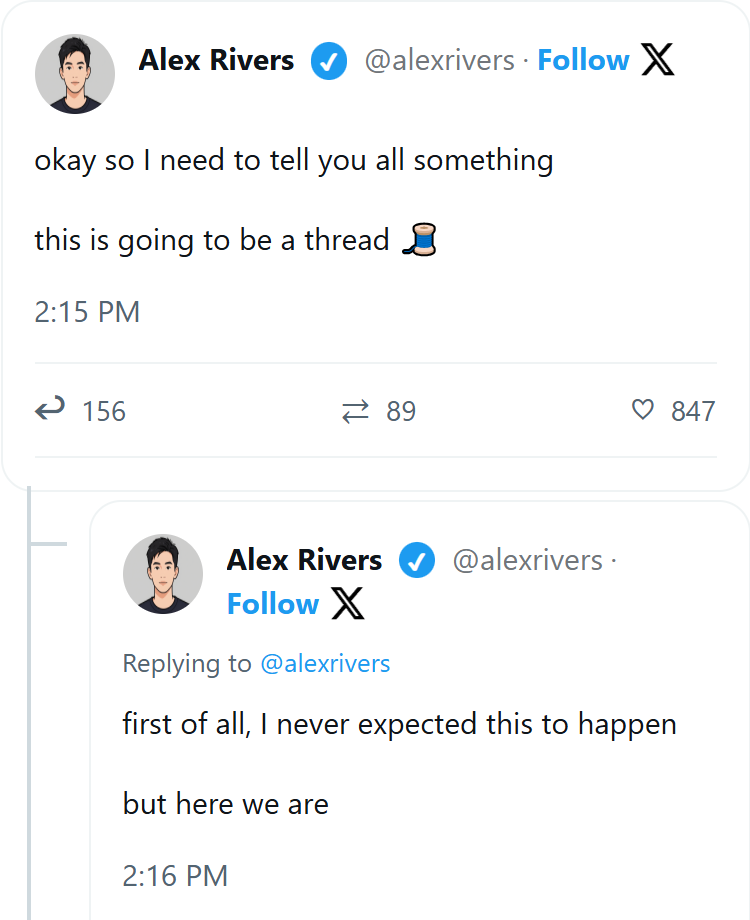
Create custom character profiles with avatars and verified badges. Build thread-style posts with timestamps.

Verified badge support with custom likes, retweets, and reply counts. Perfect for celebrity AU fics.
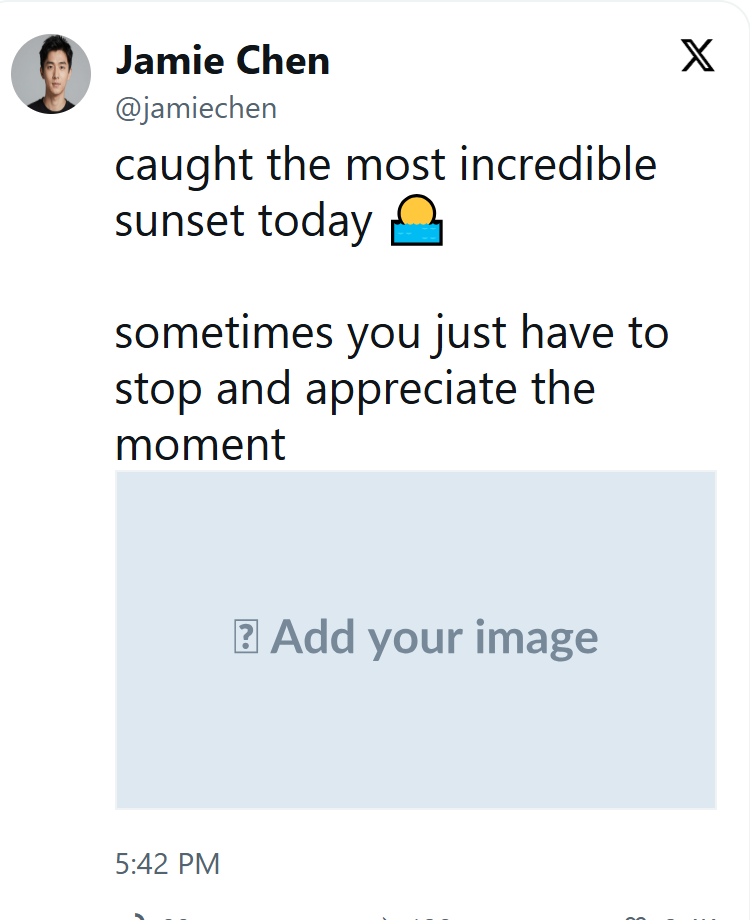
A single post built around a picture. It opens with an empty image slot — paste your own address, or upload a file — and keeps its own alt text so the post still reads without the picture.
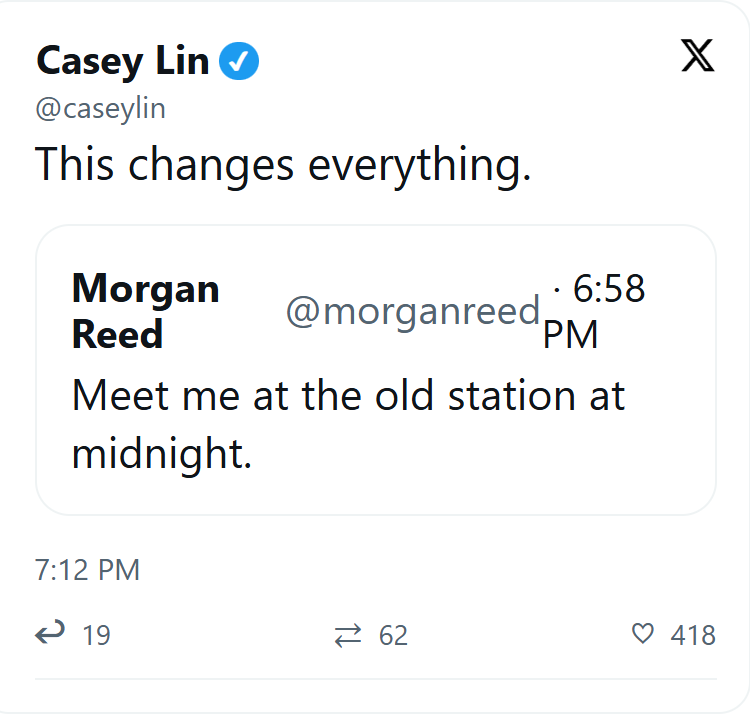
One character quote-tweeting another, with the original nested inside. Both accounts live in the scene's cast, so renaming one updates every post it appears in.
A two-by-two photo grid, laid out the way X lays it out. Every image carries its own alt text, so the post still reads on a screen reader.
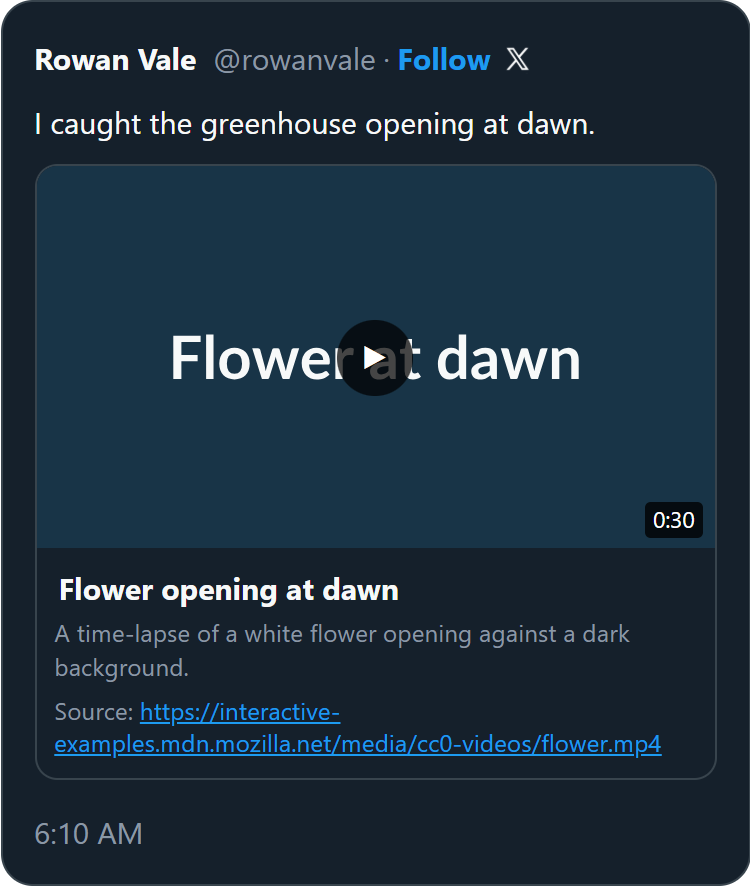
A video your readers can actually play in the posted work, and a poster card with a link when the scene is exported as a picture instead. You give it a web address; nothing is uploaded or re-hosted.
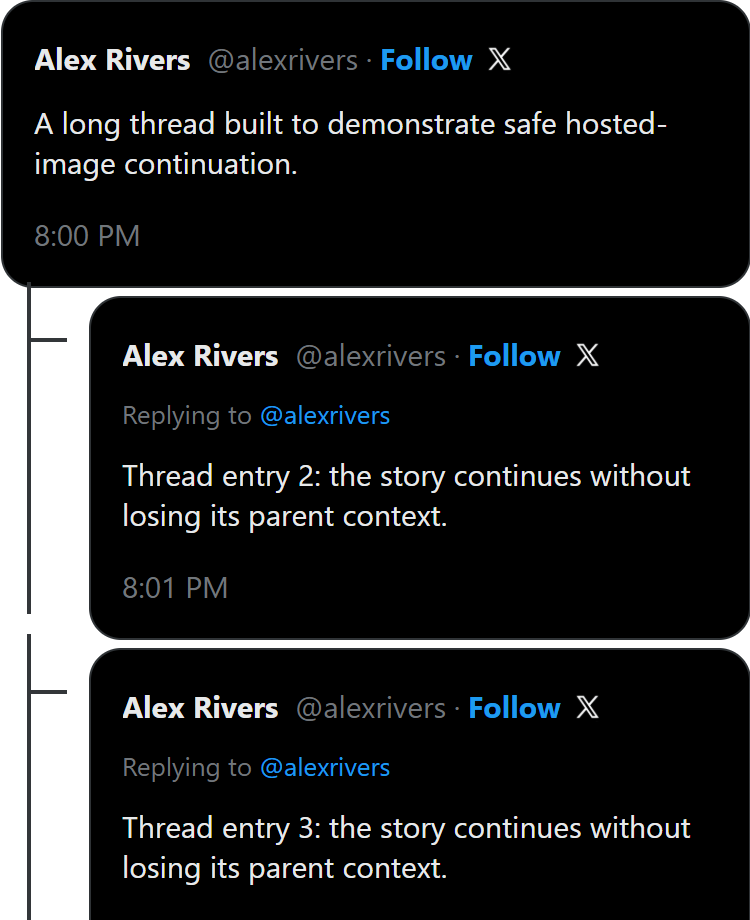
A thread long enough to cross the point where a single picture stops being practical. Use it to see how a long scene behaves before you build your own.
Restyle AO3 itself. Pick one, adjust the colours and fonts, then paste the CSS into Preferences → Skins. Only you see it — on every AO3 page.
Deep navy, parchment type, quiet glow.
Warm paper with crisp editorial type.
Soft violet with gentle rounded cards.
A richer, calmer take on classic AO3.
Moss, paper, and a vintage reading room.
Clear blue-green with airy spacing.
Muted blush and cozy book typography.
Black, white, and unmistakable hierarchy.
Retro monochrome without visual clutter.
Warm amber and soft cream surfaces.
Black cherry with ornate serif details.
Neutral, compact, and distraction-free.
Ink and old gold — add your own banner.
Blush pastels and rounded cards — add your own banner.
Monospace on black, cyan glow — add your own banner.
Sand, rust and a wide horizon — add your own banner.
Blue and grey bubbles with delivery and read receipts, typing indicators, and group chats where each person gets their own name colour. Replies quote the message they answer, and Tapbacks sit where iMessage really puts them.
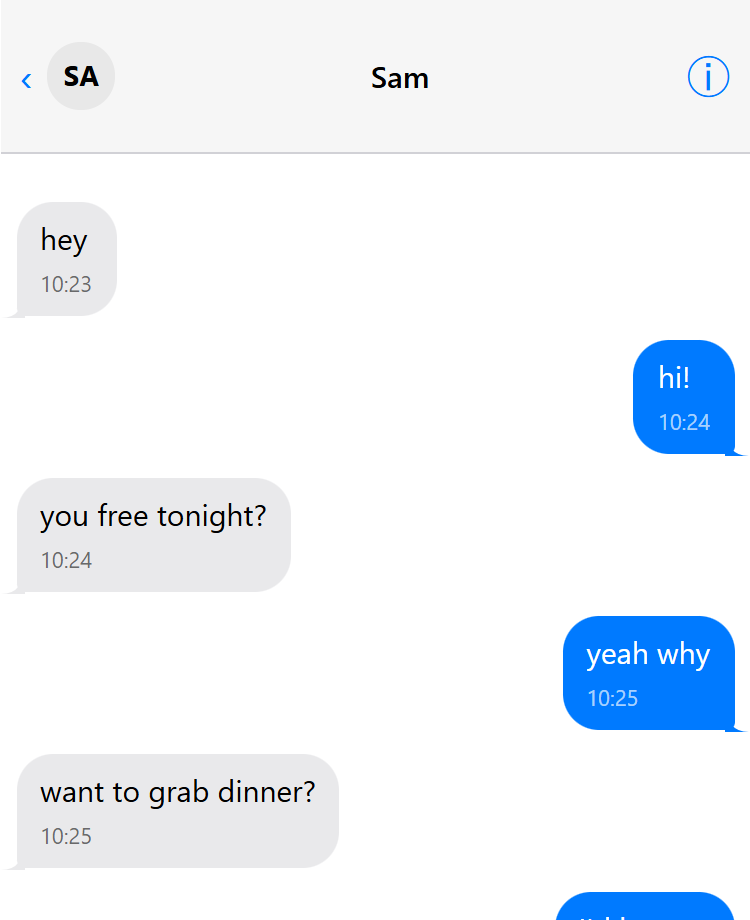
Classic blue/gray bubble conversation. Perfect for intimate two-character dialogue scenes.
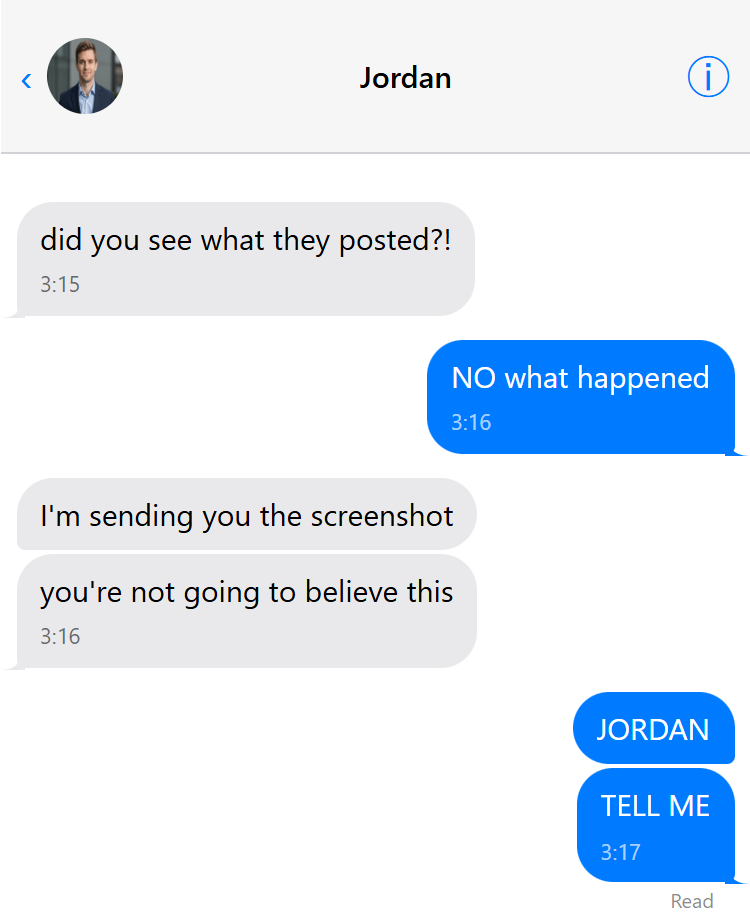
Add contact name and profile picture to personalize conversations. Perfect for named character chats.
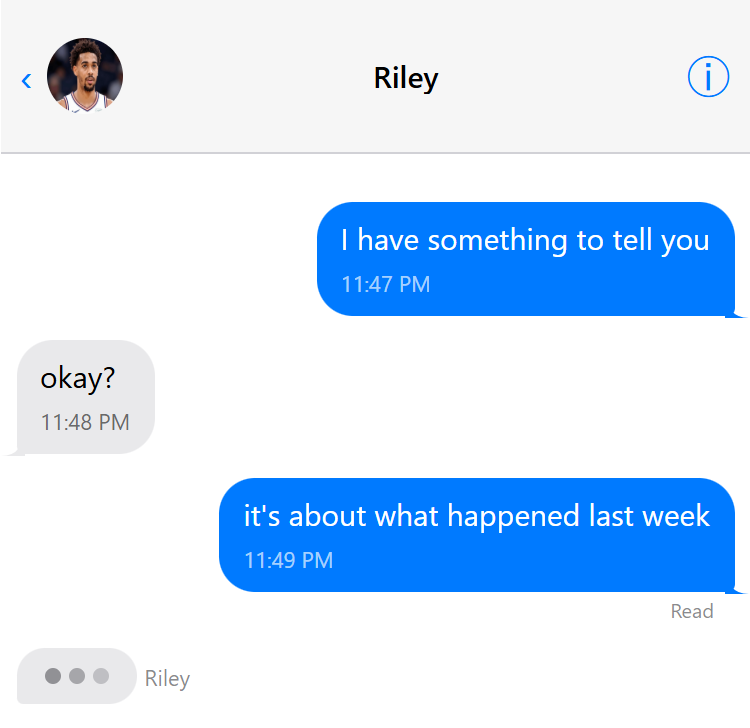
Real-time conversation feel with "..." typing bubbles. Creates tension and anticipation.
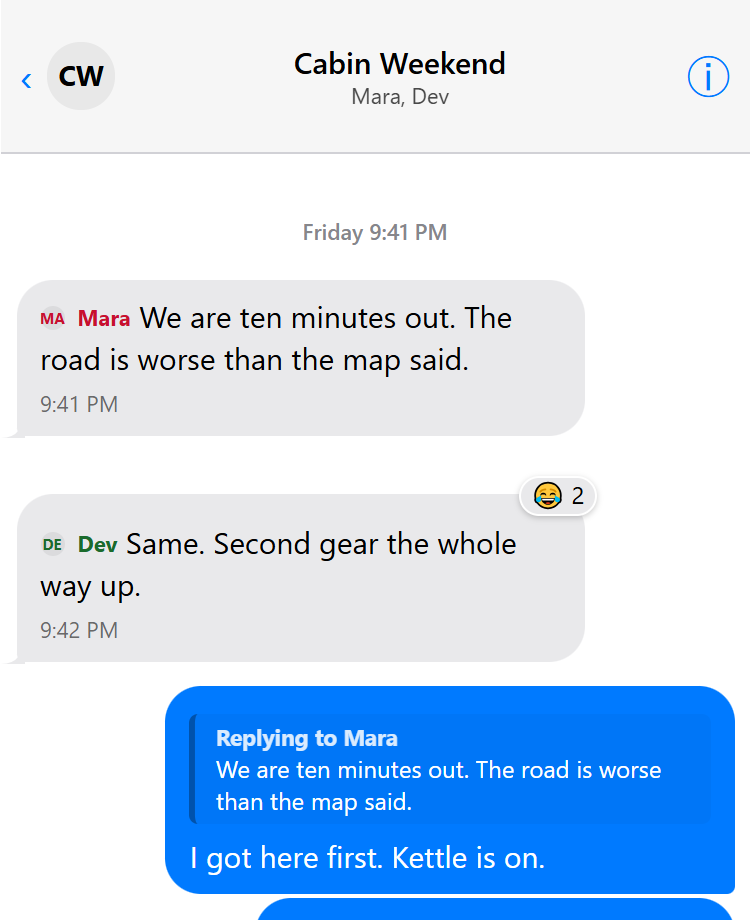
Everything the iMessage builder can do in one scene: a named group with per-person colours, replies that quote the message they answer, a four-photo grid, a link card, a voice note, a video, Tapbacks, and system events like “Mara named the conversation”.
Green bubbles with timestamps and the blue double ticks, one-to-one or in a named group with per-person colours and photos. Quoted replies, emoji reactions, link cards and date separators all included.
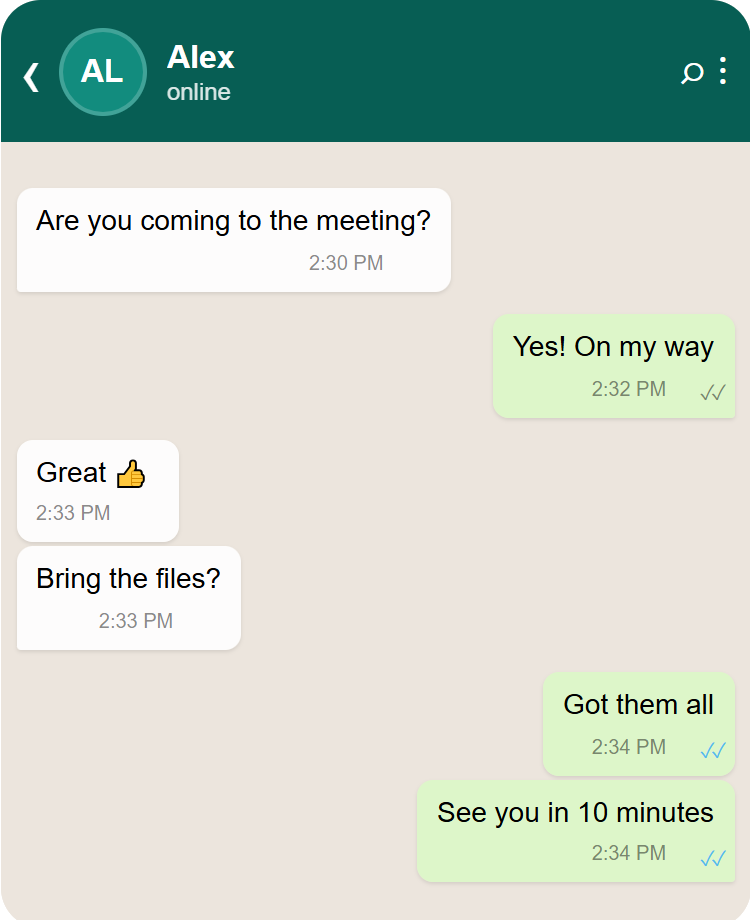
Authentic WhatsApp interface with green bubbles and gray received messages. Perfect for modern texting fics.
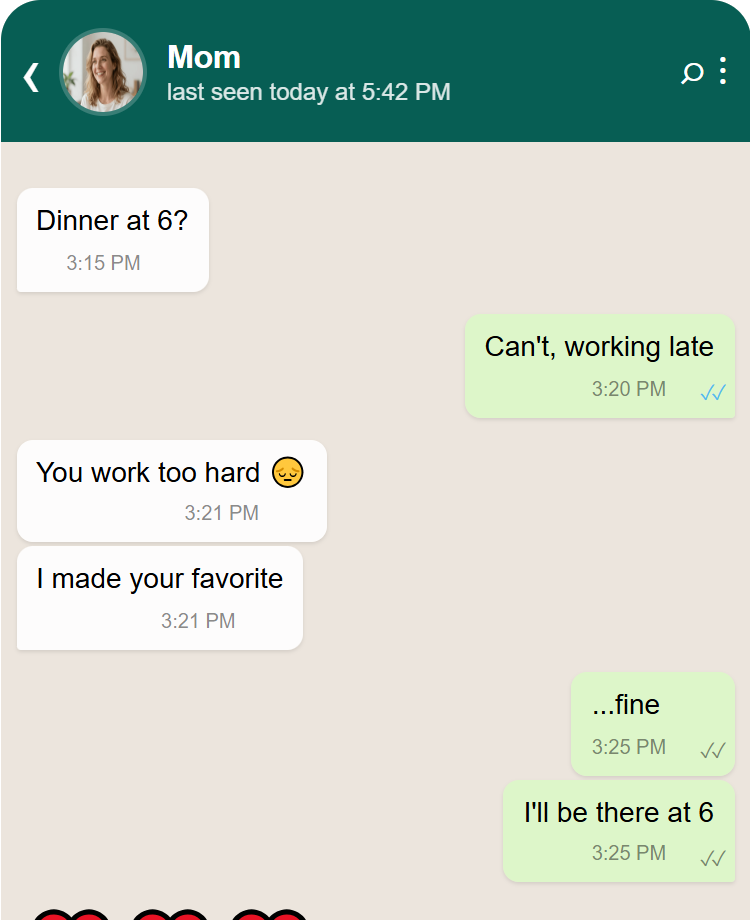
Add contact name and profile picture to WhatsApp chats for personalized conversations.
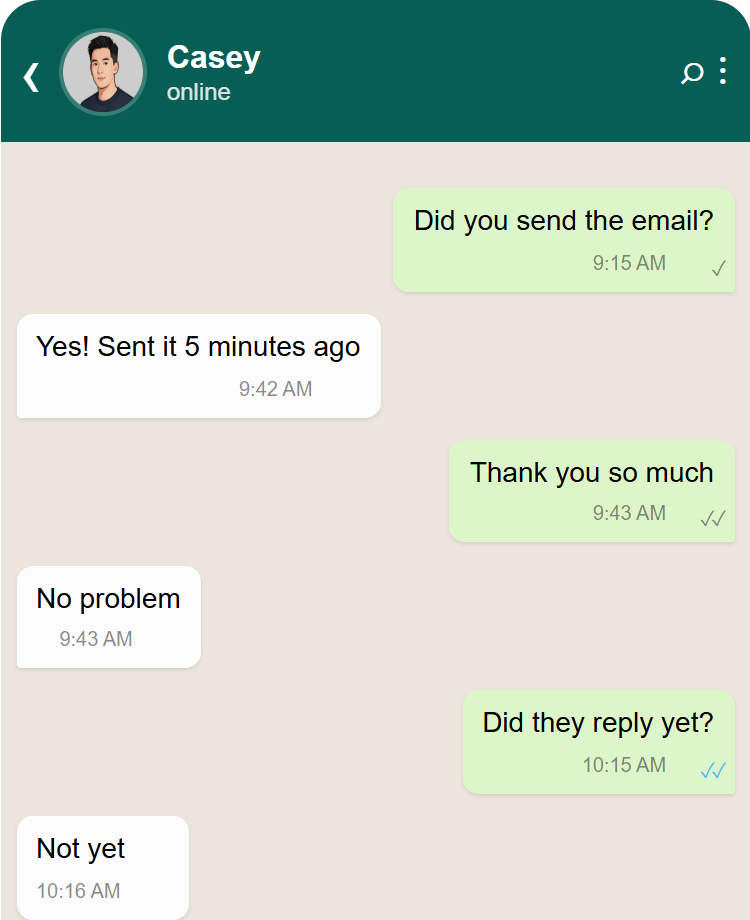
Show message timestamps and read status with checkmarks. Perfect for timing-sensitive conversations.
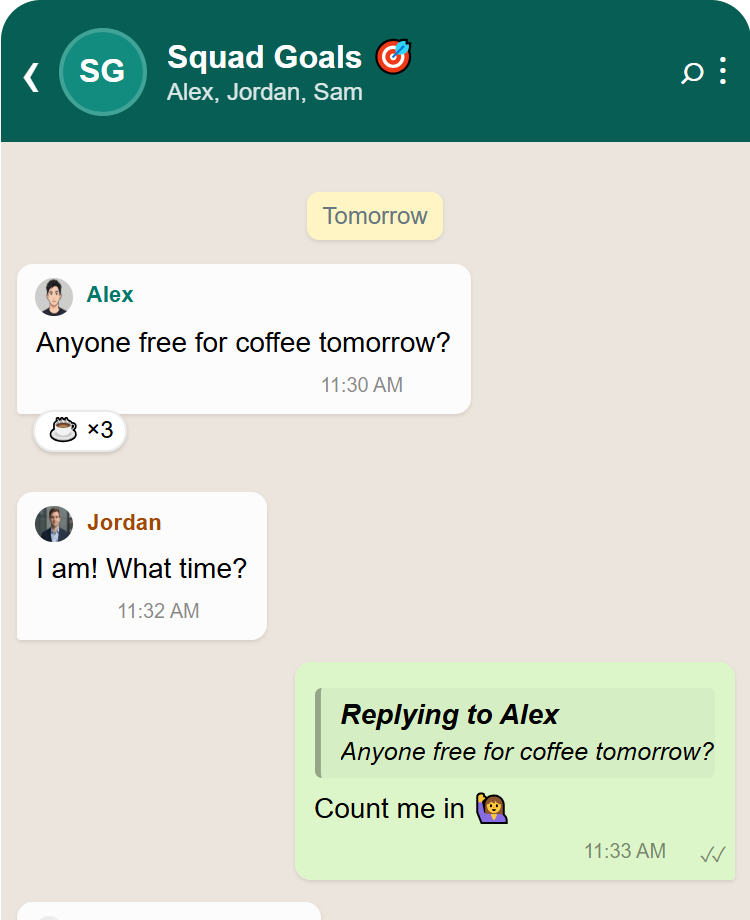
A named group with several participants, each with their own colour and avatar, plus emoji reactions, quoted replies, a link card and date separators.
Search results pages with your own queries, titles, URLs and snippets — in three flavours: current Google, the older layout, and Naver.
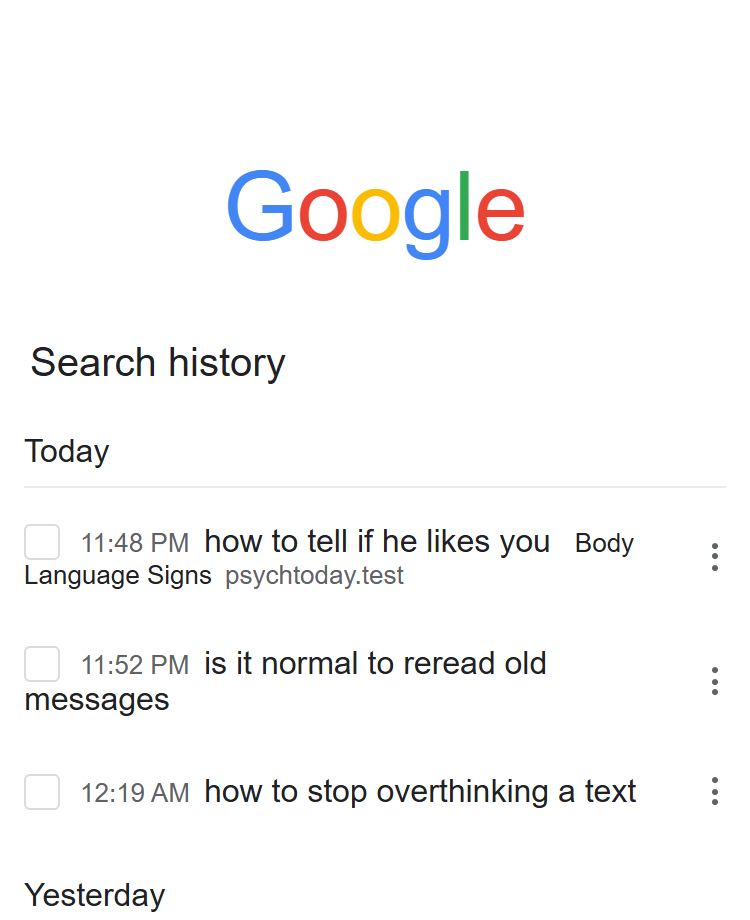
Show what a character searches for. Create custom search results that reveal personality and plot.

Build investigation scenes with custom search queries. Perfect for mystery and research-heavy fics.

Create realistic news article results with custom headlines, URLs, and descriptions for world-building.

A half-typed query and the five things the search box offers to finish it with. Tells the reader what a character has been looking for without a single line of dialogue.
See how the scenes work inside finished stories, alongside ordinary prose and with the work skin turned off.
A complete friends-to-lovers fic using iMessage group chats, direct messages and Google searches.
A complete accidental-confession fic showing delivery and read states, typing indicators, reactions, group chats and Google searches.
Where a scene like this tends to earn its place in a fic
Set your entire fic in a social media world where characters interact through tweets, posts, and comments.
Tell entire stories through 1-on-1 text conversations with authentic messaging interfaces.
Modern epistolary fiction told through digital communication formats.
Show distinct character personalities through their texting/posting styles.
Build a conversation and put it in your chapter — as a picture, or as real text your readers can select. Or restyle AO3 for yourself. Free, no signup.
Start a conversation Build a site skinSeparate Google Docs add-ons · free to start · not required for AO3 SkinGen.
Drafting in Google Docs that won't let you edit as you write. It locks what you have already typed, so you stop re-polishing the first sentence and the chapter actually gets finished. Editing comes afterwards, when there is something to edit.
A story bible that lives beside the manuscript: characters, locations, factions and events, with @mentions that update themselves when you rename someone. Point it at a draft you have already written and it can find the elements for you. Useful when a fic turns into a series and you can no longer remember what you decided in chapter 3.